2. Auto Generated
2.1. Generate All Included Sections
Once all constraints have been set and Double Checking has been completed, you can use the Auto Generate function to Auto Assign the Included Sections (shown at Not Assigned at Section Status Summary).
Below is the timetable before we do the Auto Generate.
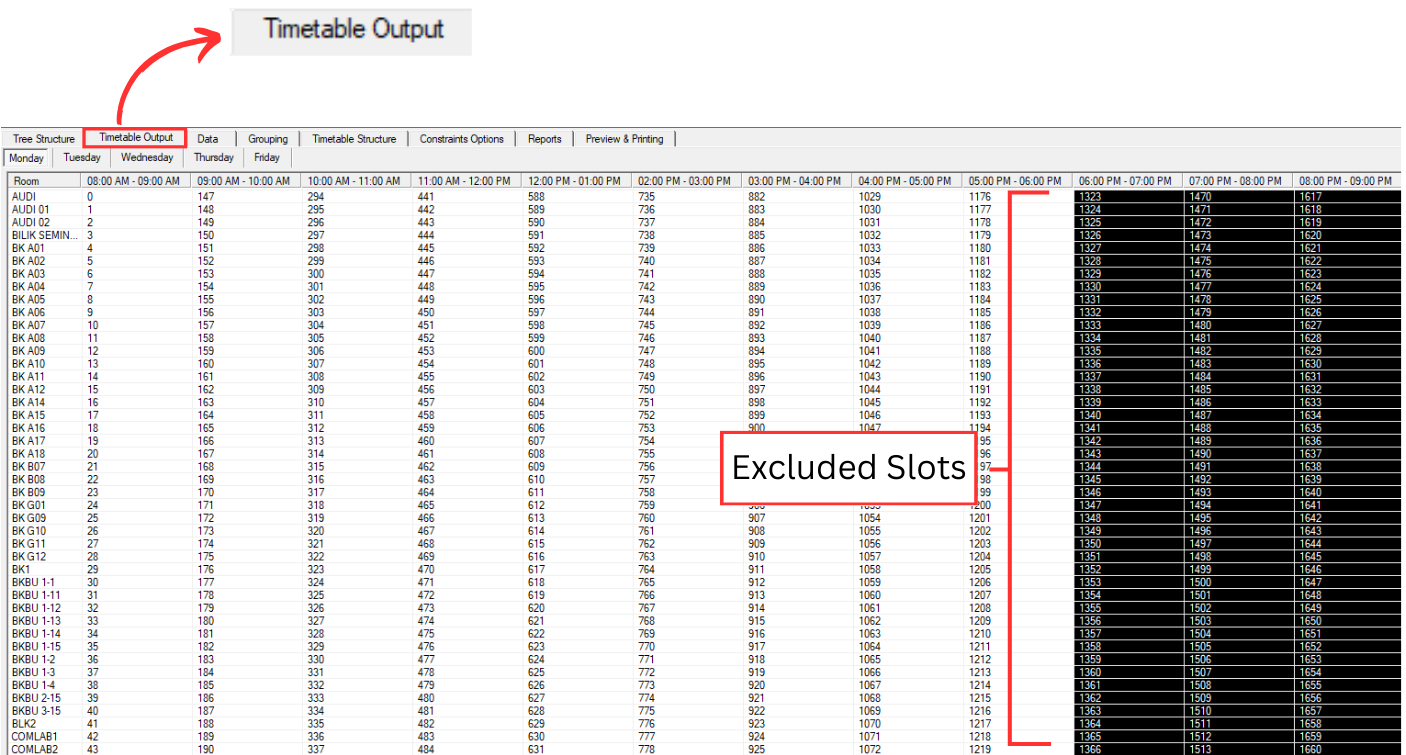
Diagram 2.2.1 Timetable Output before Auto Generate
Click the Auto Generate.
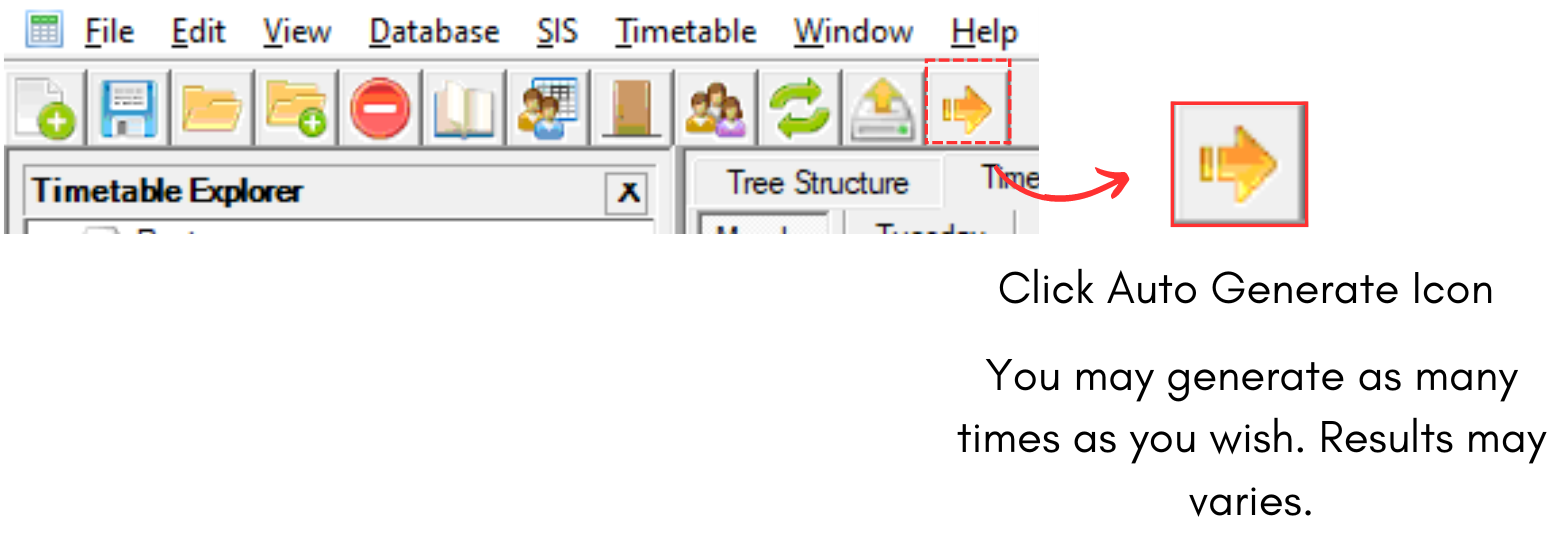
Diagram 2.2.2 Auto Generate Icon
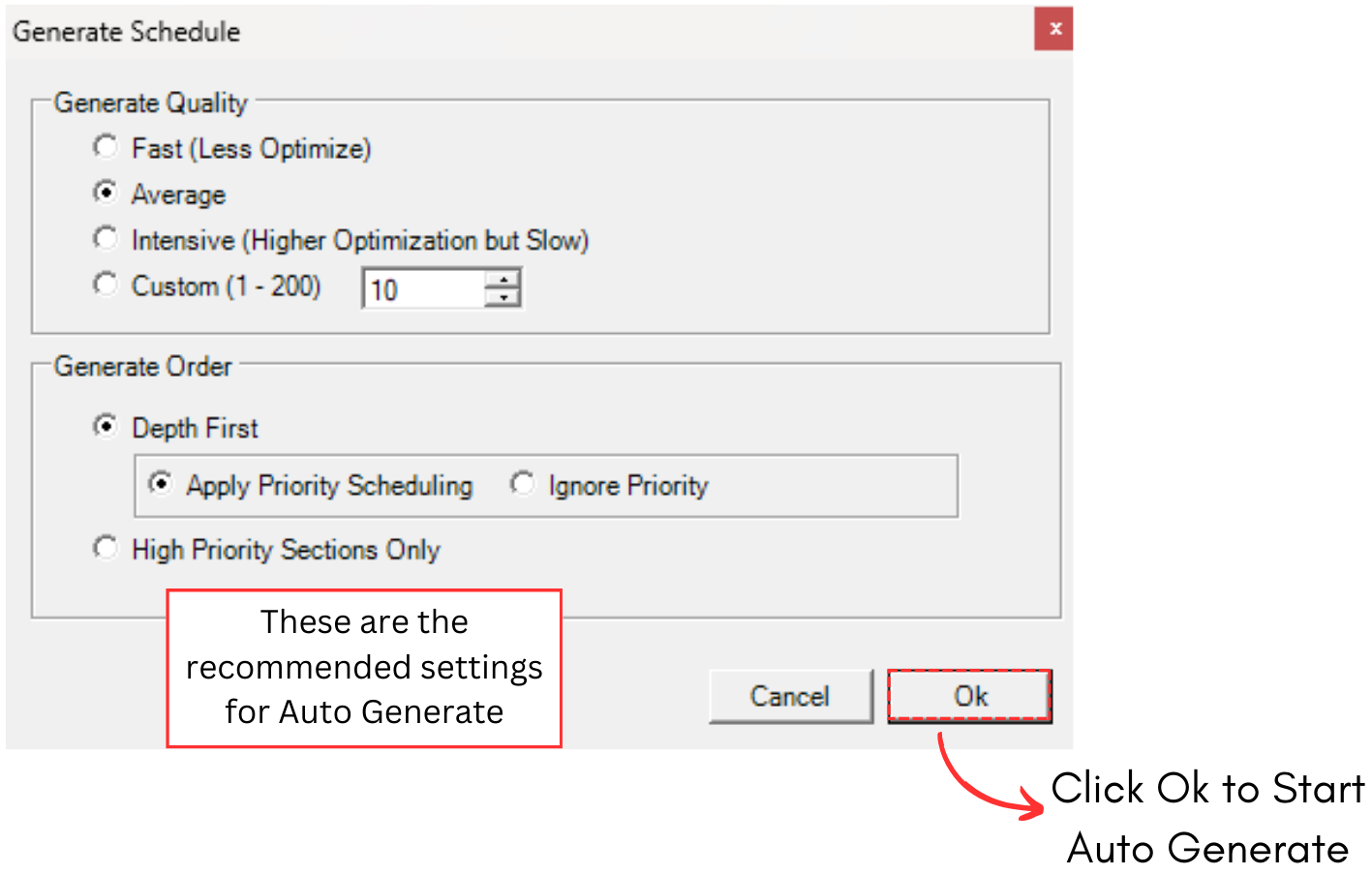
Diagram 2.2.3 Generate Schedule Window
Below is the result after auto generated the timetable output.
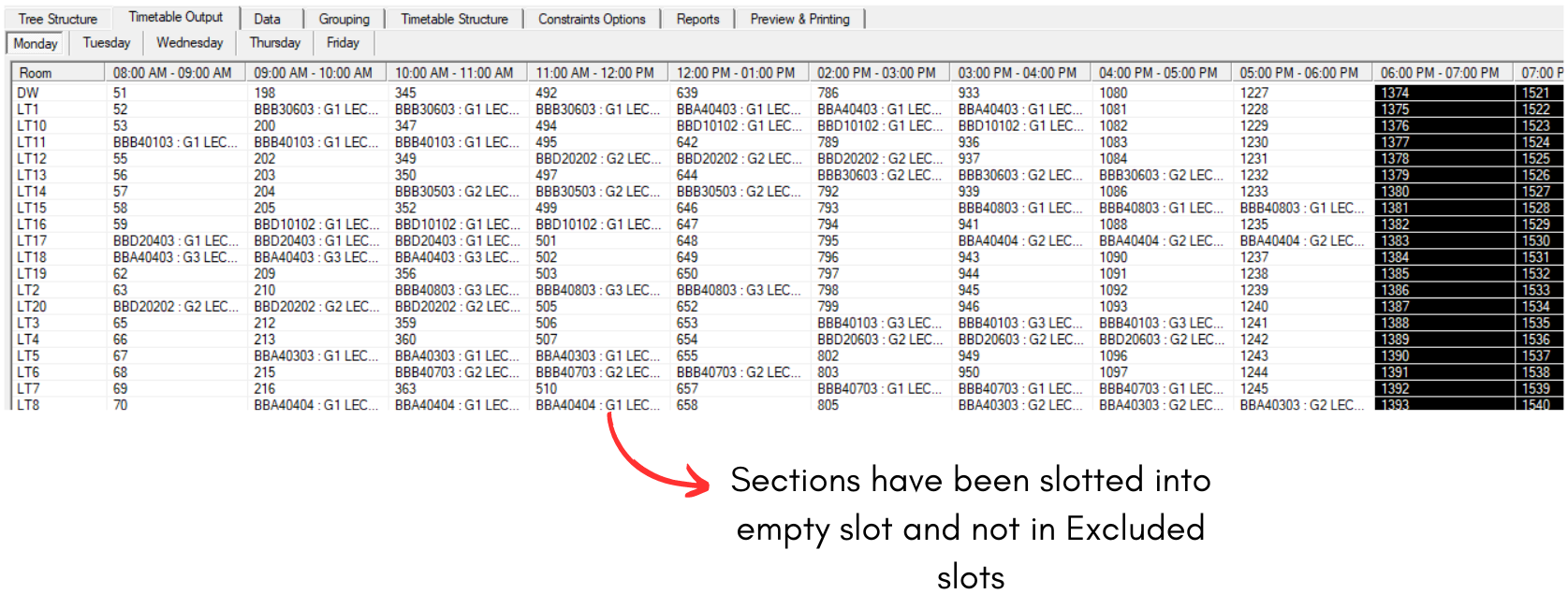
Diagram 2.2.4 Generated Timetable Output