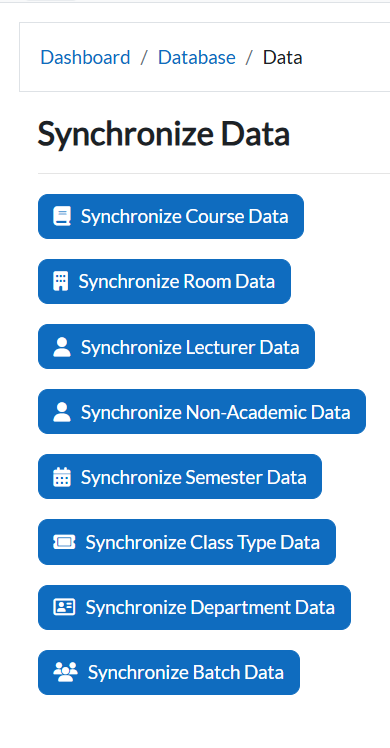
6. Synchronize Data
Purpose
The Synchronize Data feature ensures that all newly inserted or updated information in the e-Campus website is reflected and updated in the Timetable Plus system.
Whenever new records are added (e.g., new courses, lecturers, or batches), you must run synchronization so the system works with the latest data.
Access Synchronization Page
-
Navigate to: Dashboard → Database → Synchronize Data.
-
The Synchronize Data page will display multiple synchronization options.