2. Import Database
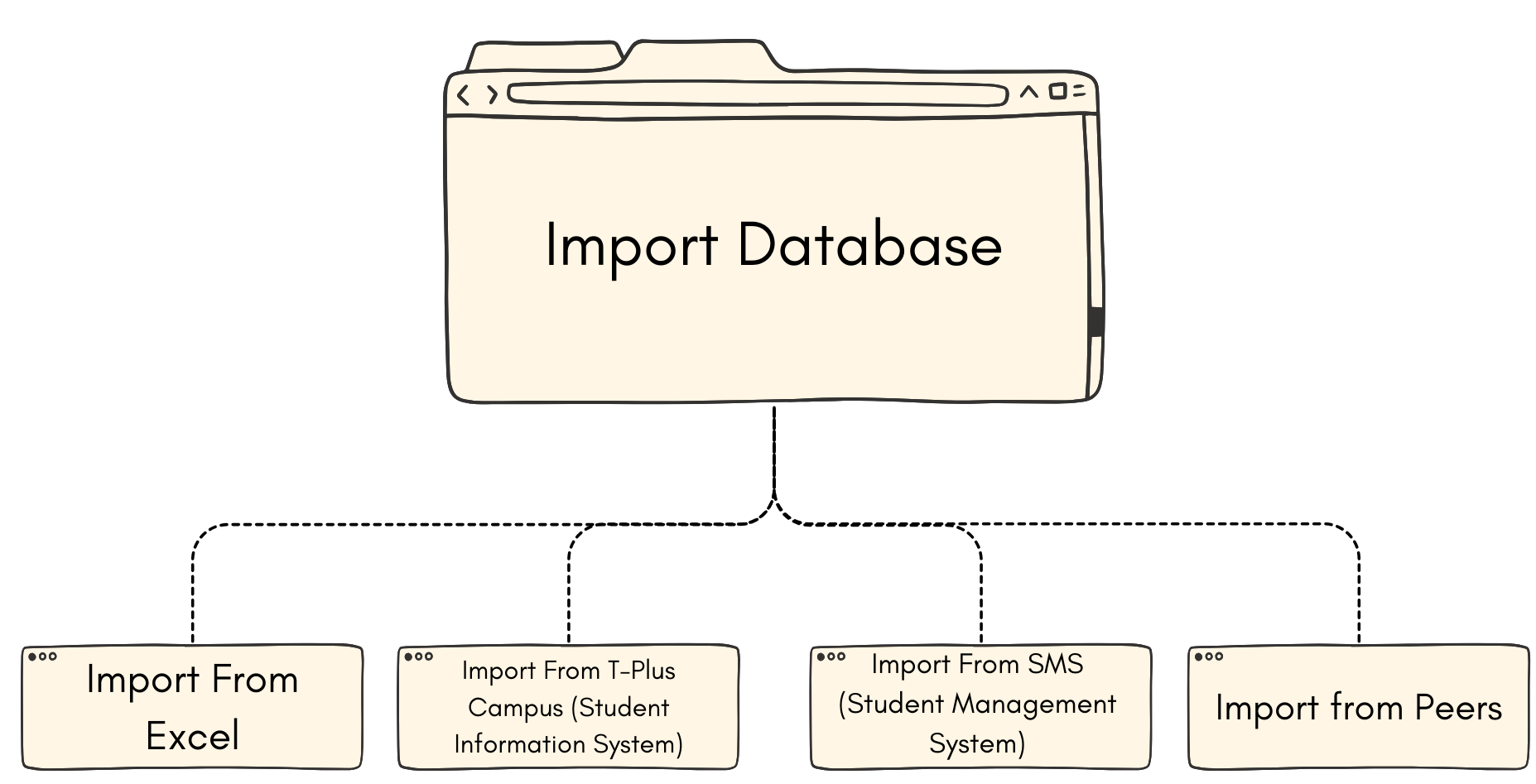
There are 4 ways of importing database that we will learn in this topic:
1. Import From Excel
You might find it is much easier to fill the database in excel form. So you may import your excel to the T-Plus Class and have it automatically filled in the software.
2. Import From T-Plus Campus (Student Information System)
You may also Import from the T-Plus Campus website if your system already intergrated with the website. Below is the sample of how T-Plus Campus looks like.
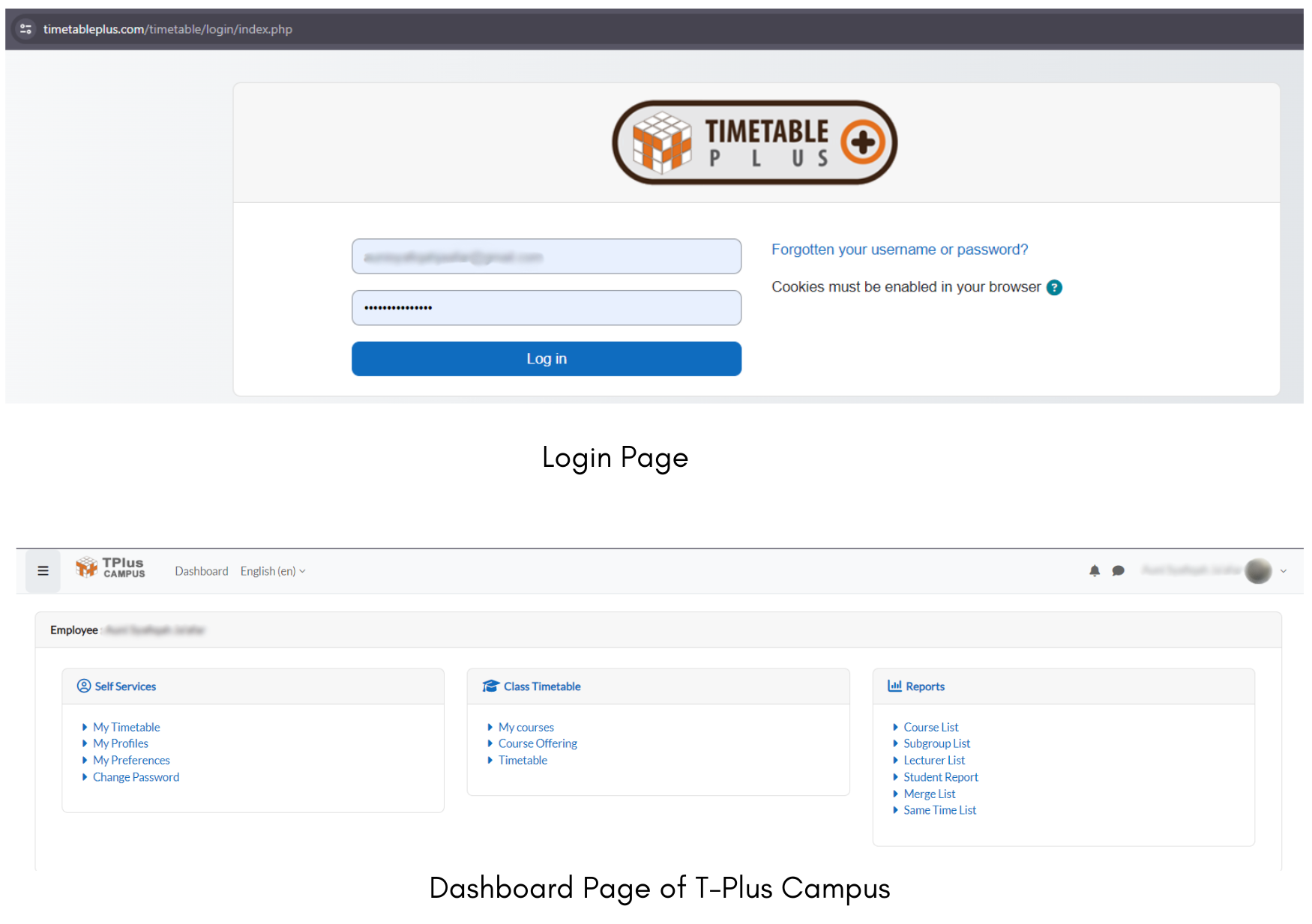
Once the database in T-Plus Campus is ready, then you can intergrate and import it to the T-Plus Class software.
3. Import From SMS (Student Management System)
SMS or Student Management System is a system from the institute itself. It is important to do the configurations and data mapping at this part.