1. Export
1.1. Export Data Entry File
Exporting Data Entry File will ONLY export the Data Entry and not exporting the result so it cannot be opened in another software such as T-Plus Class. The file extension for Data Entry File is .TDE
To export Data Entry File, there are 2 simple steps to do so.
STEPS 1: Go to File in Timetable Menu, select Export and click on Data Entry File.
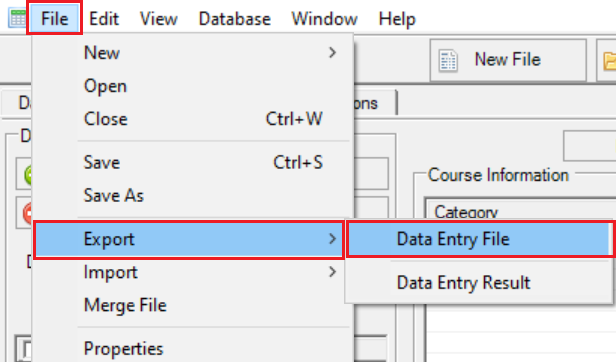
Diagram 1.1.1 Location of Data Entry File
A popup will appear.
STEPS 2: Write the file name according to your preferred and click Save.
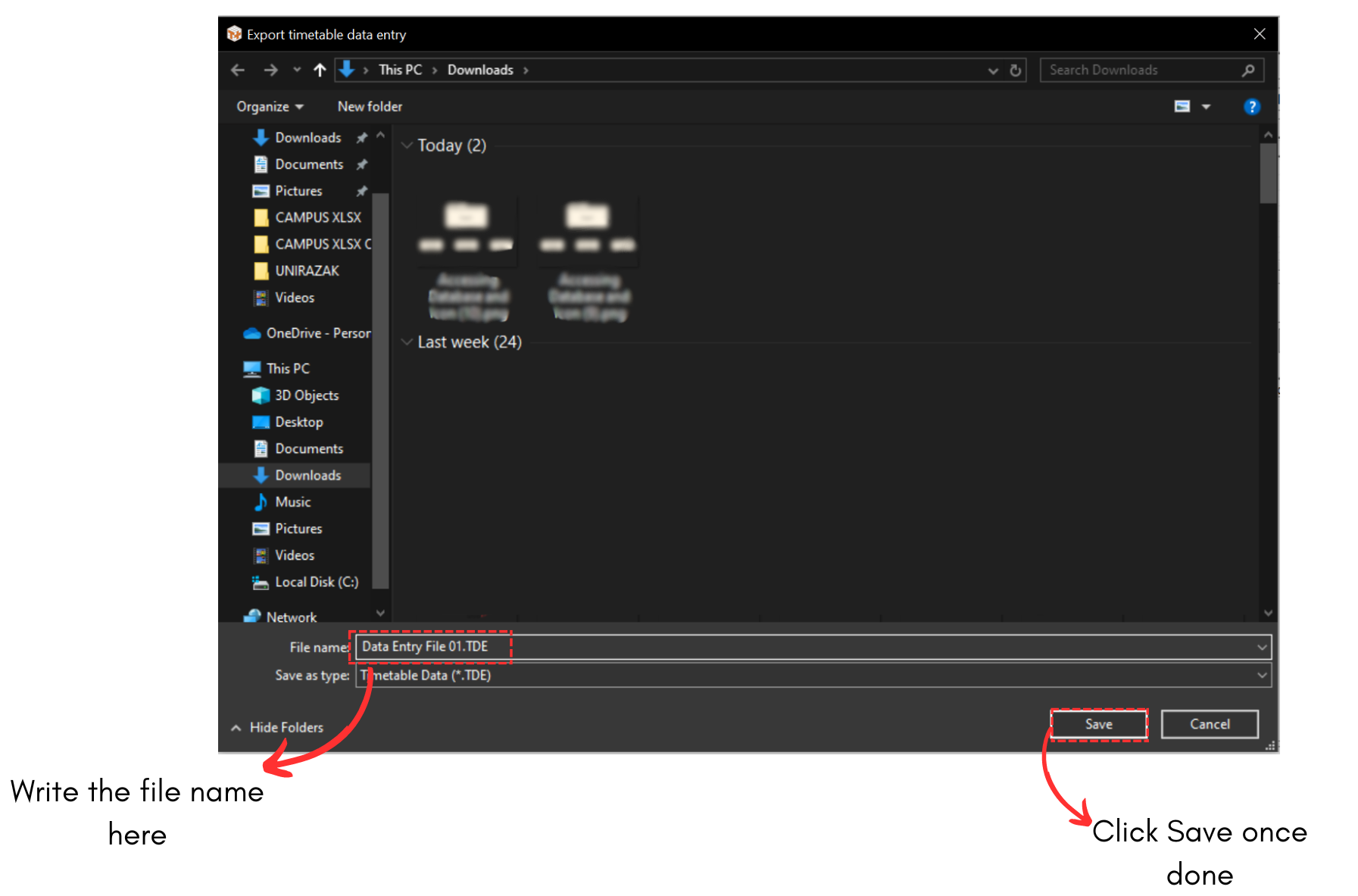
Diagram 1.1.2 Save Popup
Another popup will appear, saying Data Entry File successfully exported at the location that you have chosen.
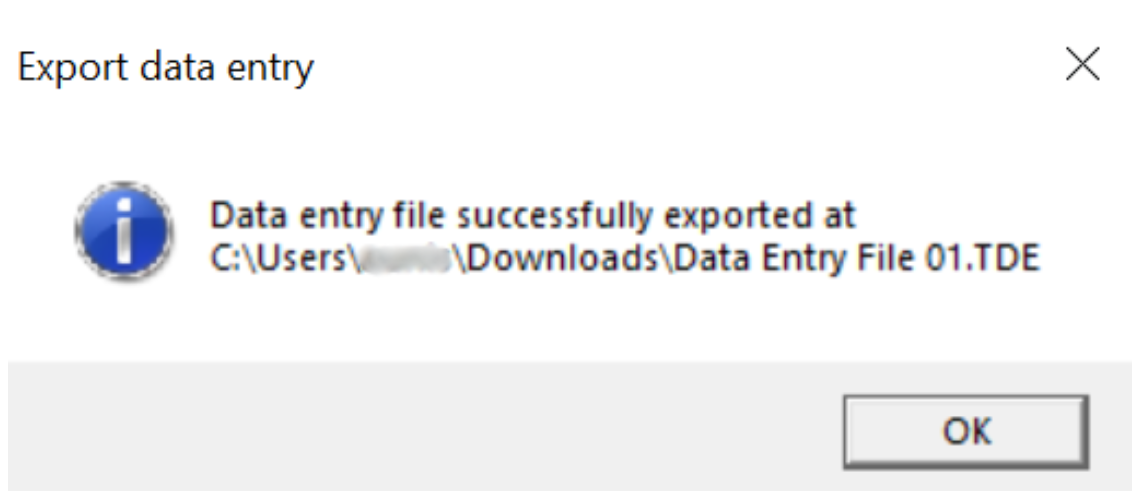
Diagram 1.1.3 Data Entry File Export Success
Your file will be saved into your devices.
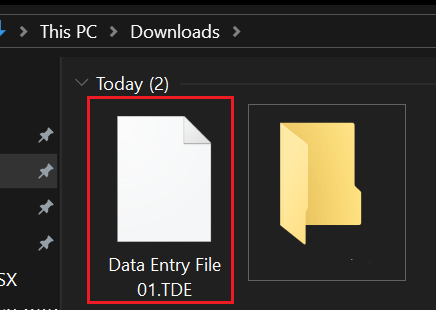
Diagram 1.1.4 Location of the file in the device