Opening Up and Getting Used to Timetable Plus Data Entry
1. Opening the Timetable Plus Data Entry

Diagram 1.1 Timetable Plus Data Entry Folder
Steps 1: Open the Timetable Plus Data Entry Folder.

Diagram 1.2 Timetable Plus EXE Location
Steps 2: Double click the Timetable Plus.exe.
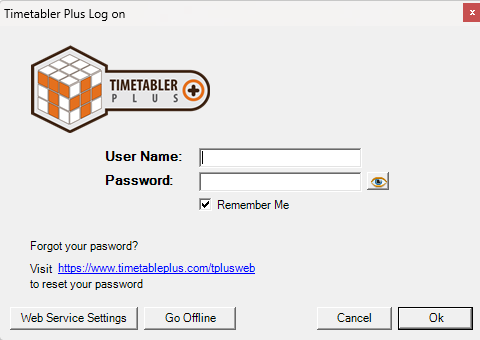
Diagram 1.3 Timetable Plus Data Entry Login Window
A window will pop-up and required user to login. Below is the explanation on buttons of login window.

Diagram 1.4 Login Window explanation
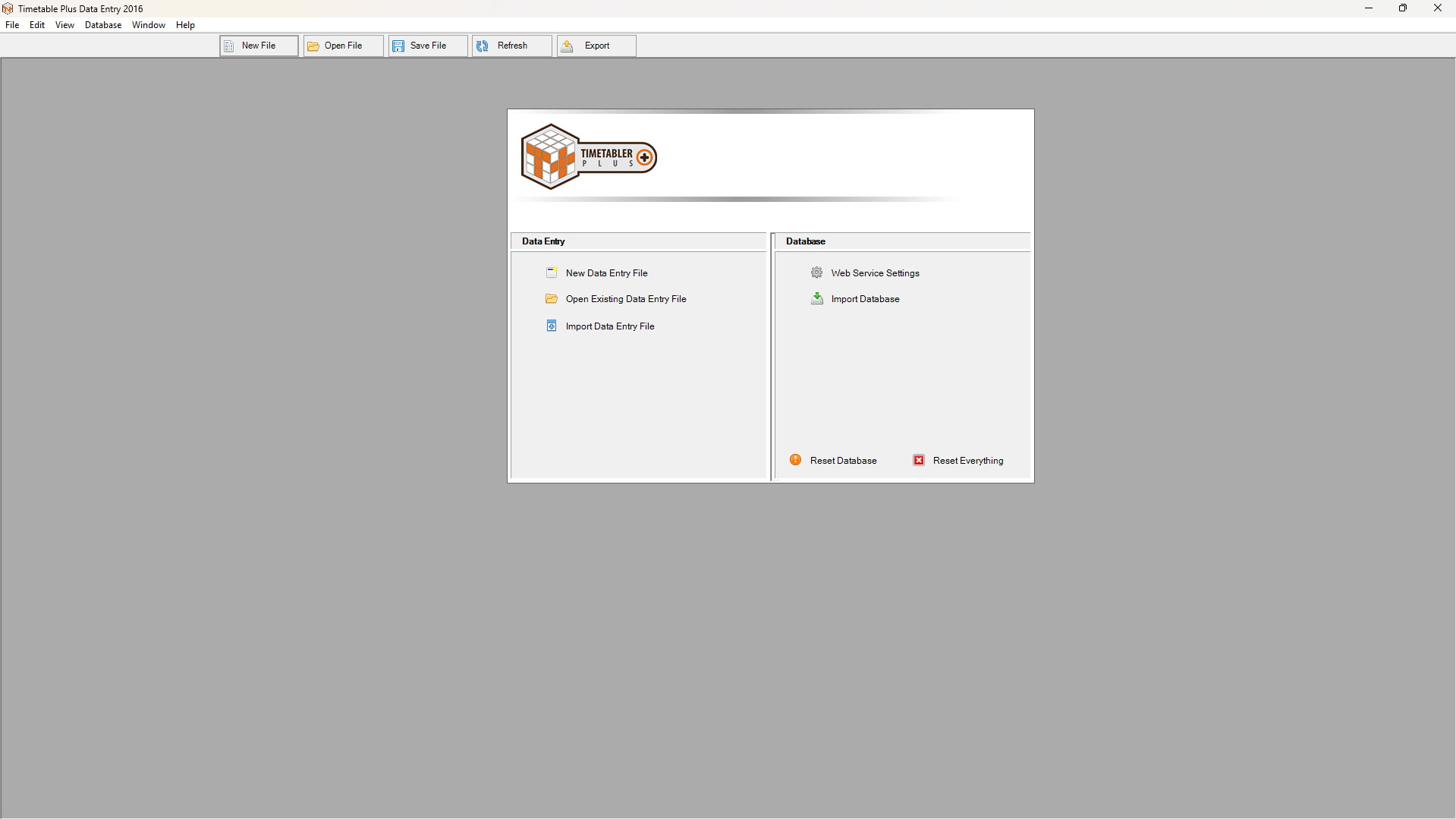
Diagram 1.5 Timetable Plus Data Entry Application
This is how it will looks like when you open the Timetable Plus Data Entry.