Stage 8: Print Preview & Export
2. Print Preview
2.2. Course, Invigilators, Students and Course-Student List
For Course List, Invigilators List and Students List, you can simply click on Print Preview Icons  to preview.
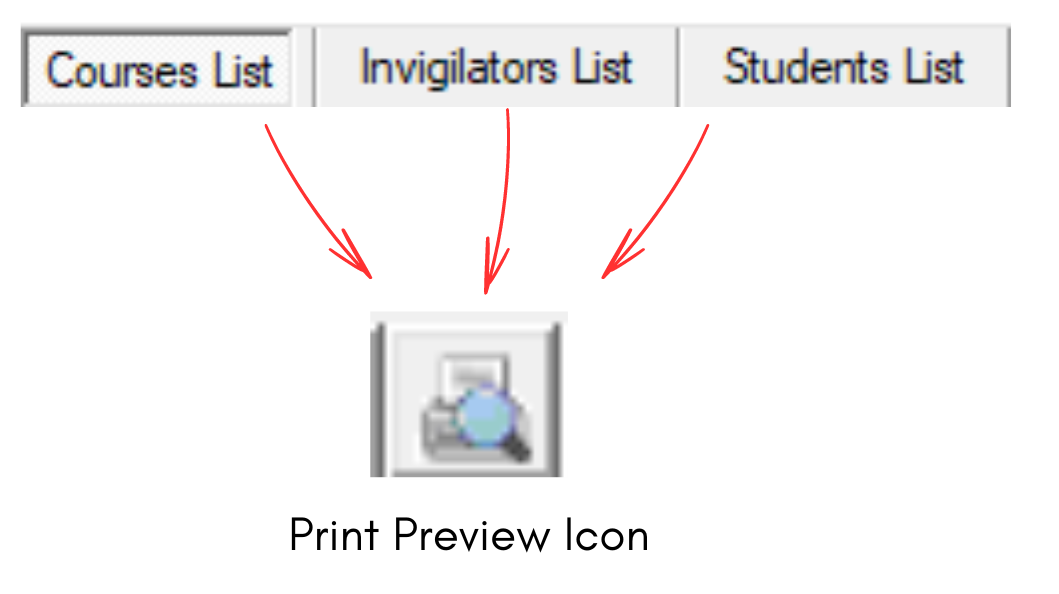
Diagram 2.2.1 Print Preview Icon at Course, Invigilators and Students List
To print preview at Course-Student List, you need to click on Print Button. You can also Print Slot at Course-Student List.

Diagram 2.2.1 Print and Print Slot at Course-Student List