Stage 1: Database
4. Export Database
4.1. Export Database as Excel
To export database as Excel, you may go to the Database in Database Menu and select Export Database as Excel.
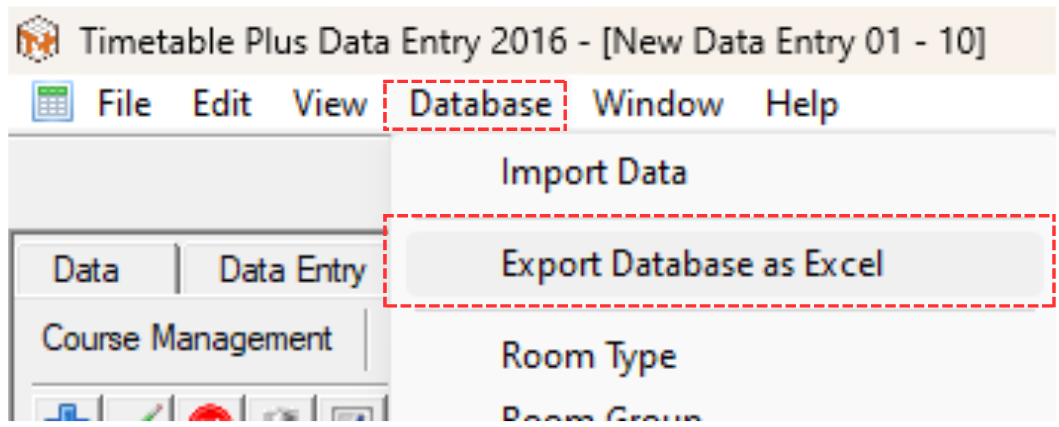
Diagram 4.1.1 Location of Export Database as Excel
A pop-up will appear, choose location and rename the file as desired. Click Save afterwards.
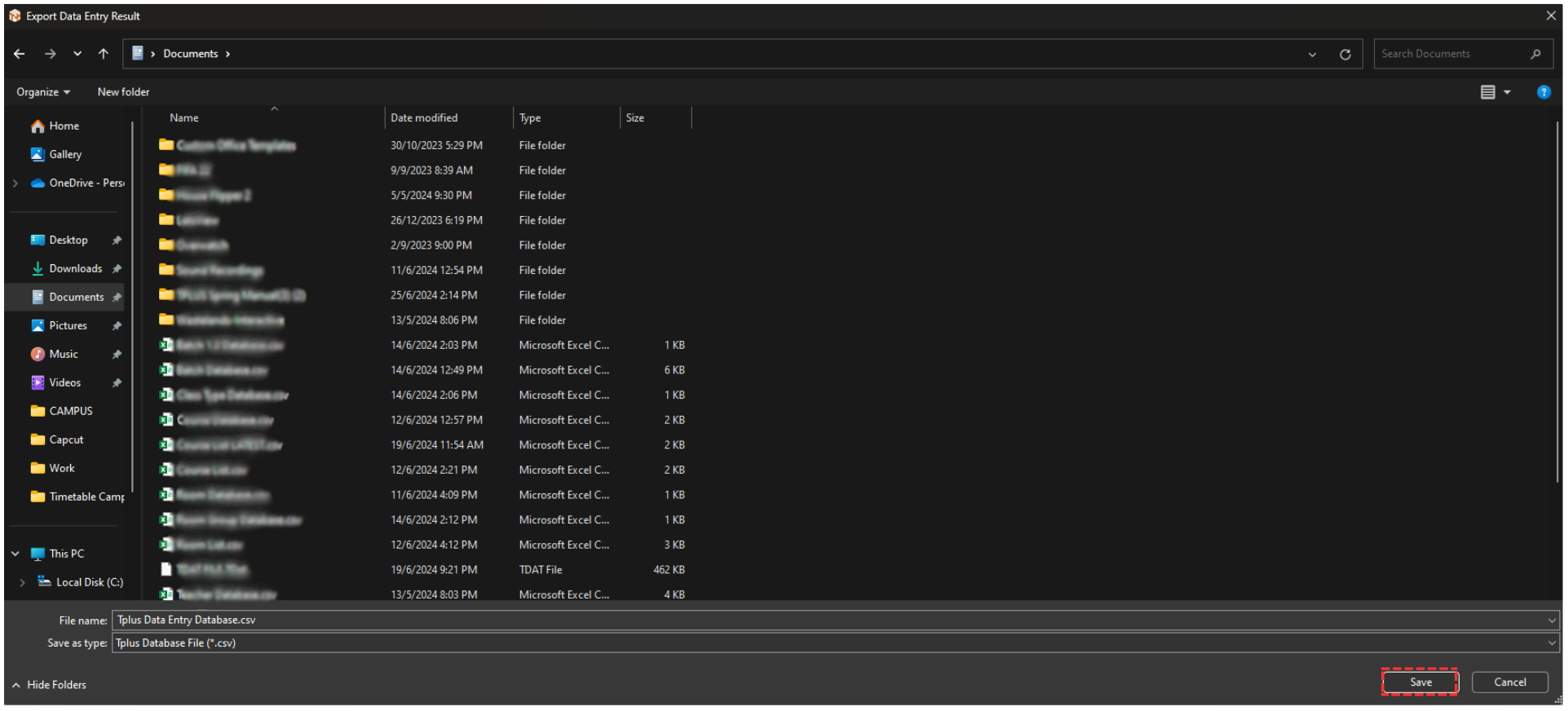
Diagram 4.1.2 Pop-up Export Database as Excel
Another pop-up will appear, showing it has been completed.
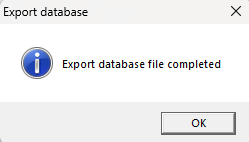
Diagram 4.1.3 Pop-up Export Database File Completed
You may locate the exported file in your device.
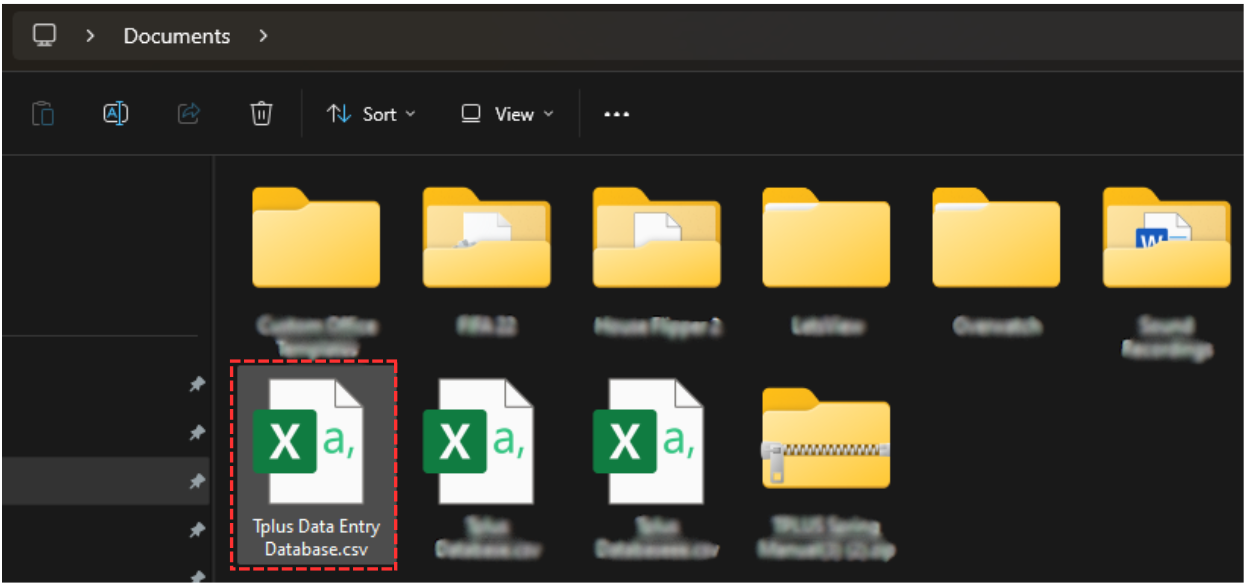
Diagram 4.1.4 Location of The Exported File