Opening Up And Getting Used to Timetable Plus Class
2. Opening T-Plus Class
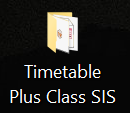
Diagram 2.1 Timetable Plus Class Folder
Steps 1: Open the T-Plus Class SIS Folder.
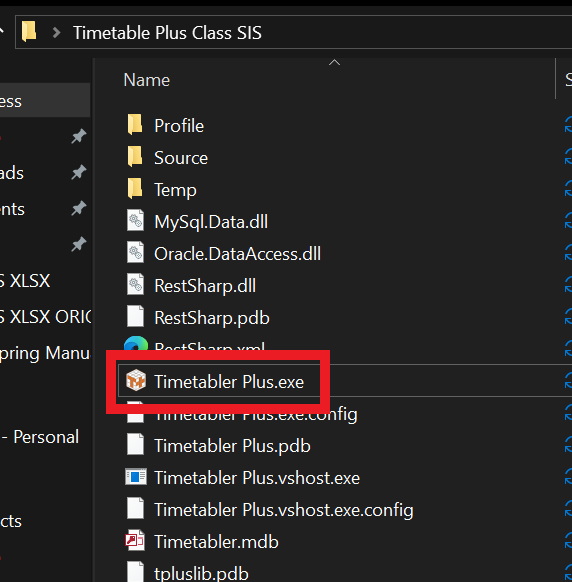
Diagram 2.2 Timetable Plus EXE Location
Steps 2: Double click the Timetable Plus.exe.
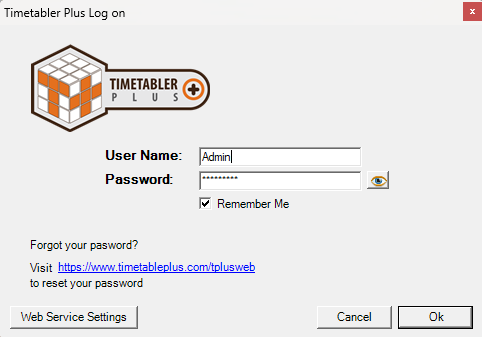
Diagram 2.3 Timetable Plus Login Window
A window will pop-up and required user to login. Below is the explanation on buttons of login window.
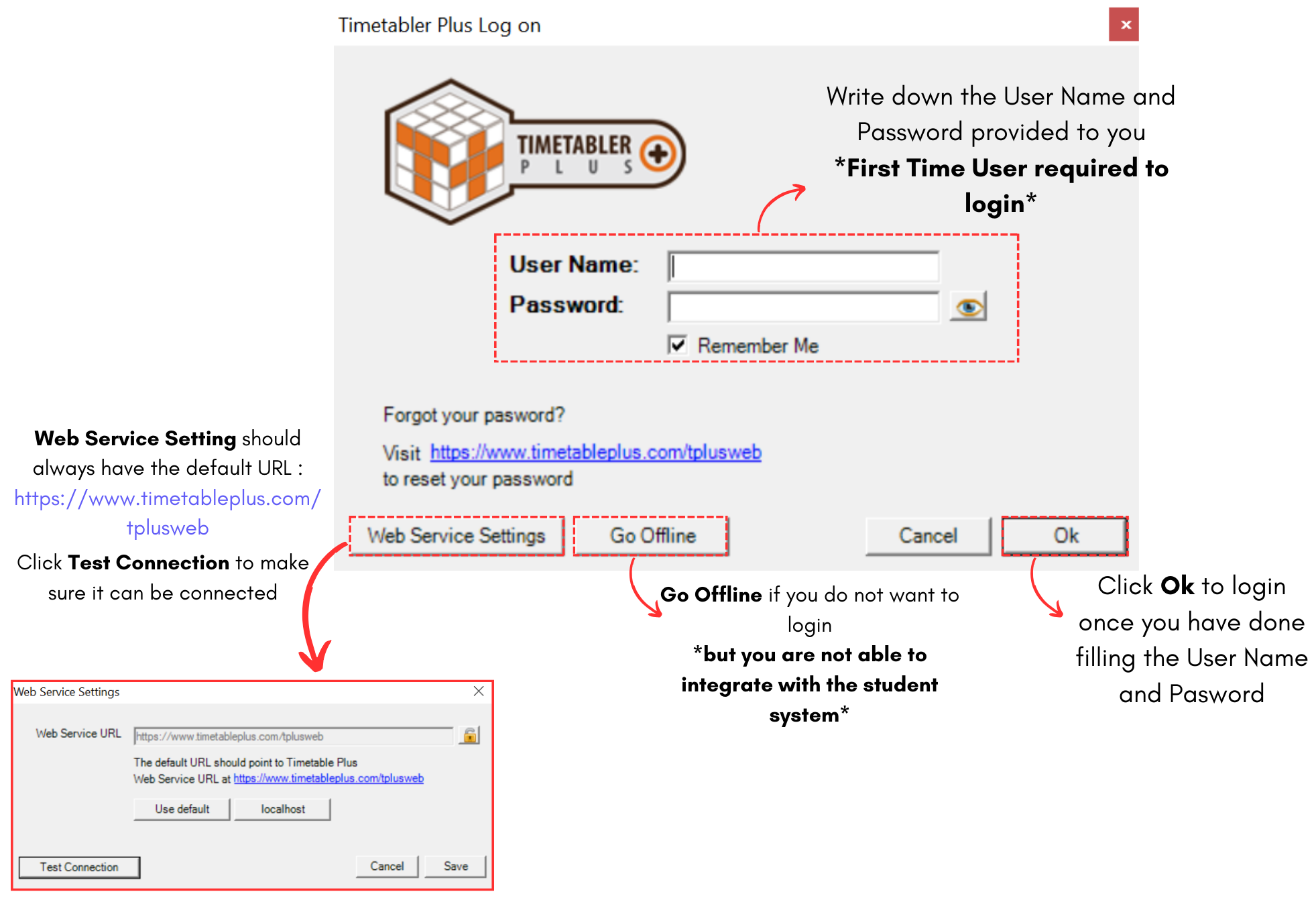
Diagram 2.4 Login Window explanation
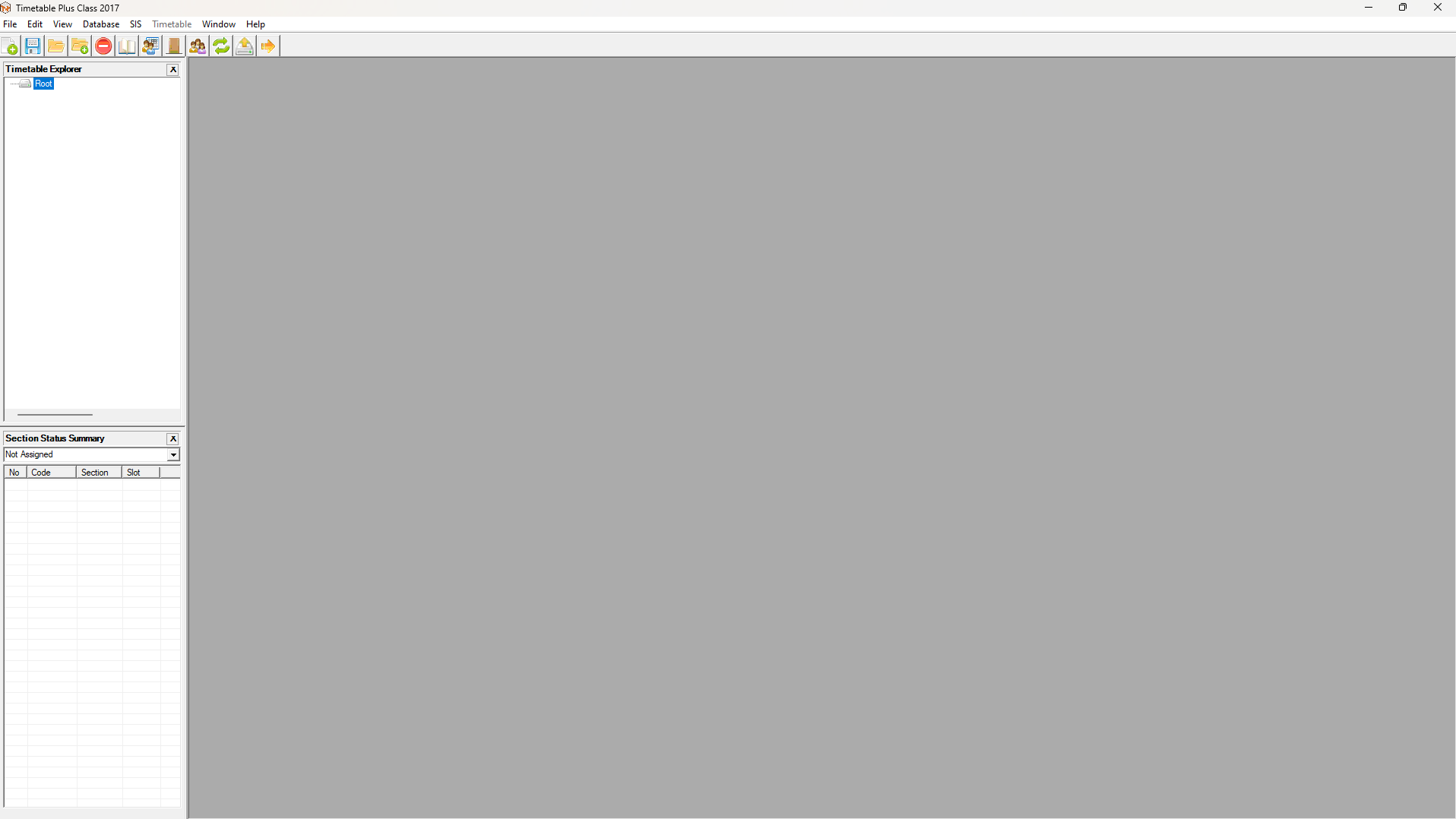
Diagram 2.5 Timetable Plus Application
This is how it will looks like when you open the Timetable Plus Class SIS.