Stage 1: Database
2. Lecturers Management
2.4. Importing Lecturer Database
Users can import the lecturer database that users have to Timetable Plus Spring.( NOTED: The file that user want to import MUST in csv file )
There are 3 Steps to Import Lecturer Database:
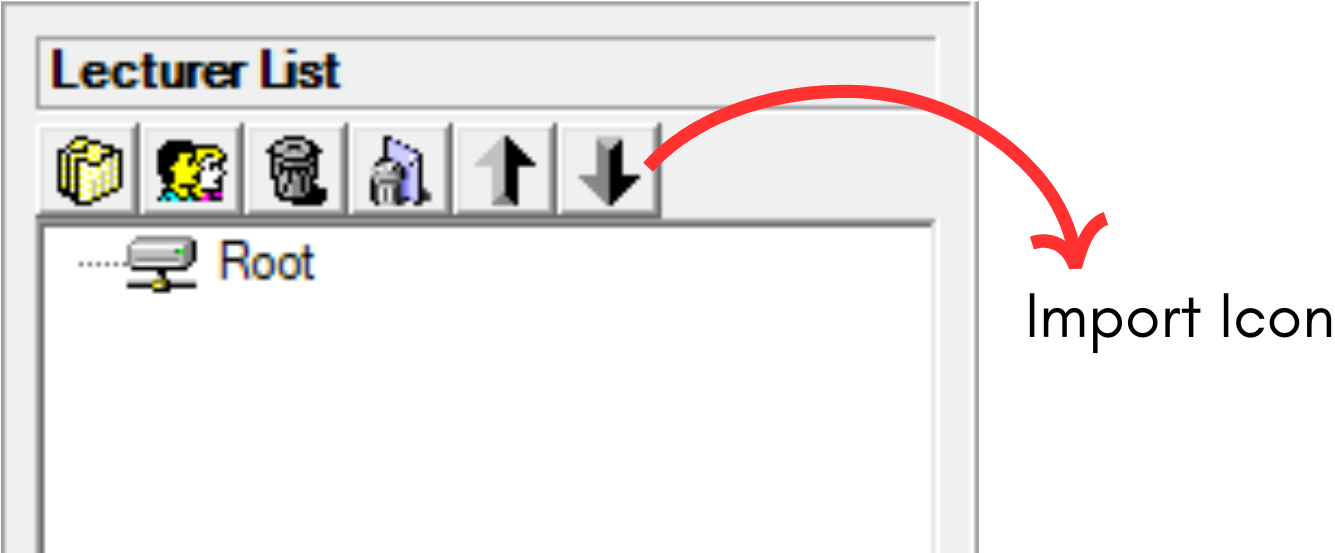
Diagram 2.5.1 Location import Icon in Lecturer ManagementStep 1: Click the import icon  to import course database
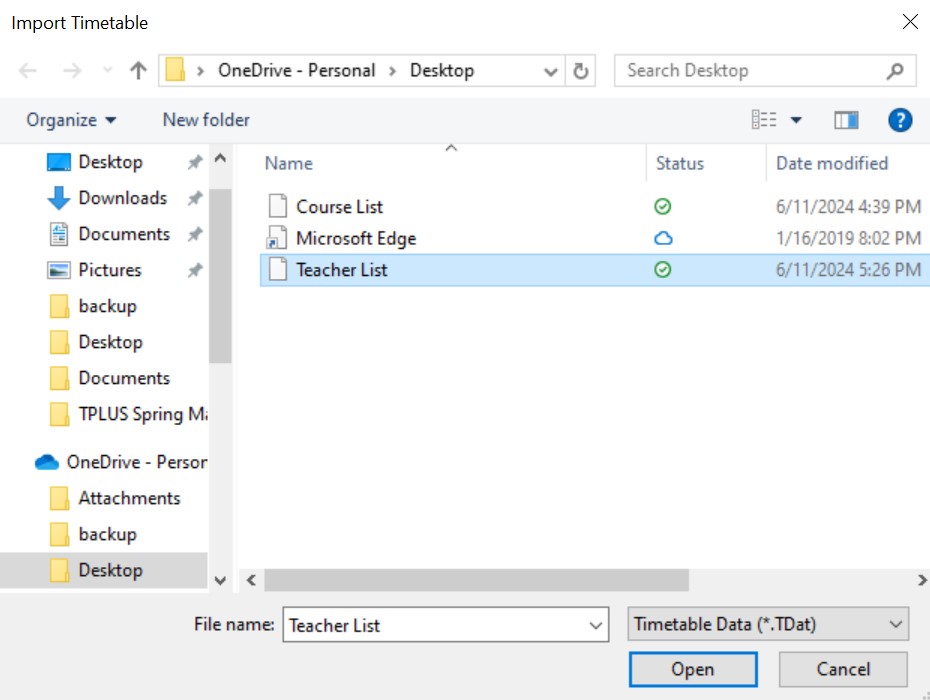
Diagram 2.5.2: Open Lecturer Database file
Step 2: Select the file that user want to import and click open or double click the file
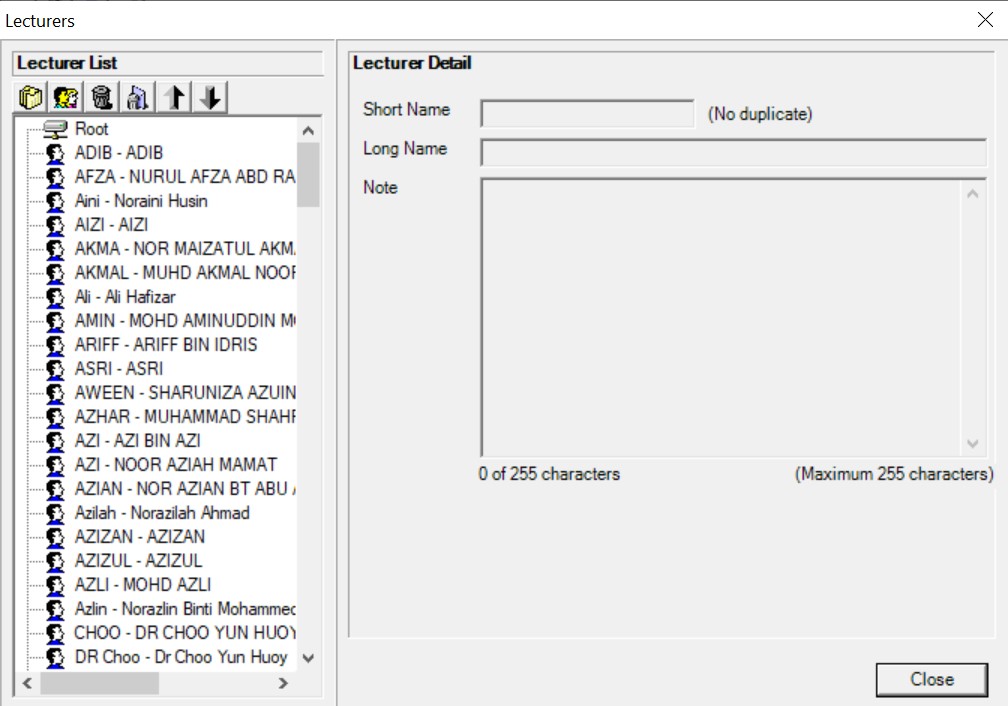
Diagram 2.5.3: Importing Lecturer list completed